
Our stack: what a studio like ours runs on in 2026
Short answer
There is no single best AI video tool for brands in 2026; a working stack is five or six tools chosen by job. Video generation comes from models such as Veo, Kling, Seedance, Runway, Sora or the open-weight Wan family, images from Nano Banana, Flux, Midjourney, Ideogram or Seedream, voice and lip-sync from ElevenLabs, HeyGen or Sync, upscaling from Topaz or Magnific, and the cut and grade still happen in DaVinci Resolve or Premiere. Judge every tool on consistency, rights and cost per usable take.
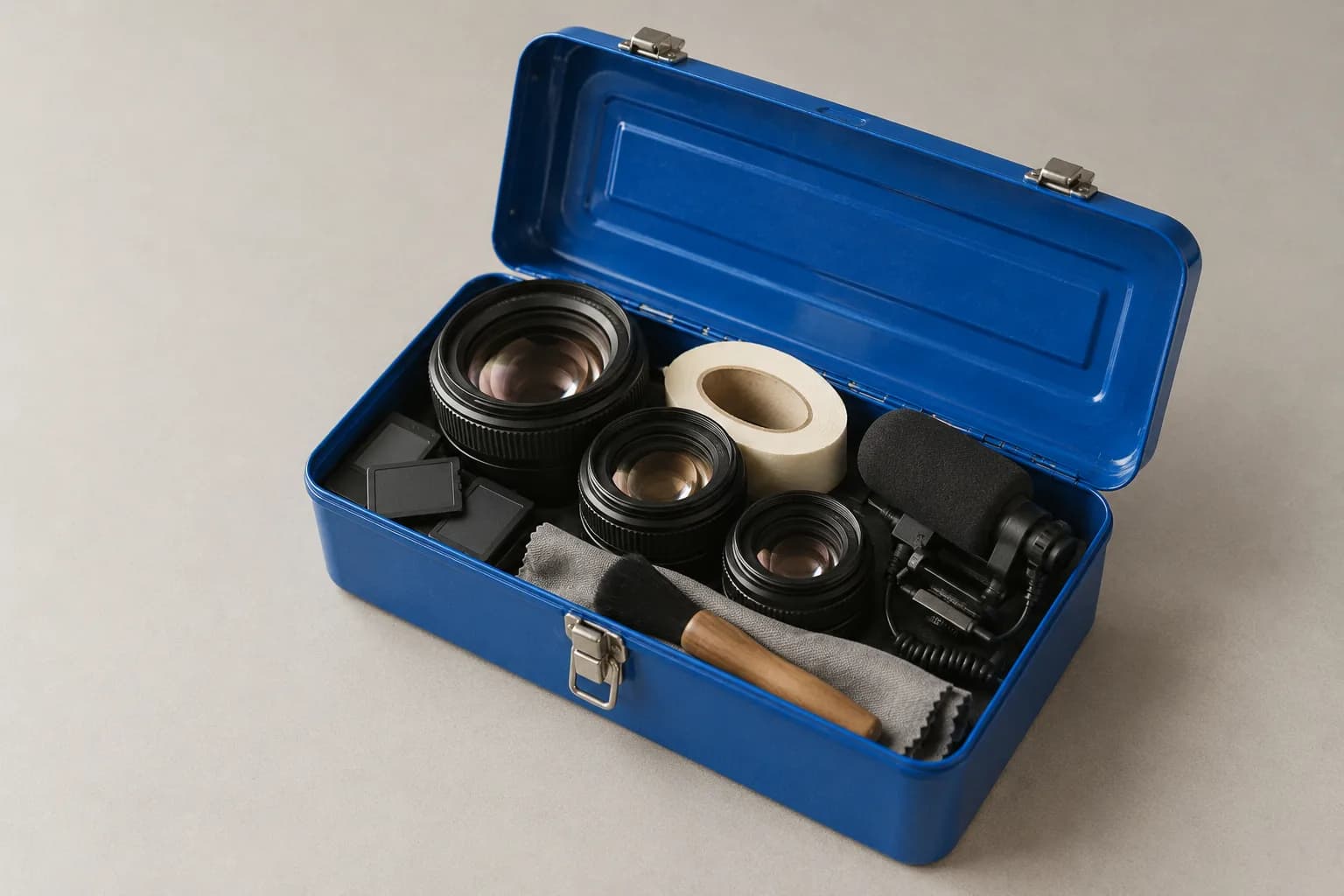
There is a drawer in the studio full of dongles for cameras we no longer own. I think about it every time someone asks which AI tools we use, because the honest answer is that the list will be out of date before this post is indexed.
So this is not a list of logos. It is how a studio like ours decides what goes in the toolbox, organised by the jobs on a call sheet, with the options on the market in 2026 named so you can go and test them.
Three questions decide everything. Does it stay consistent. Who owns what comes out. What does one usable take cost.
What are the best AI video tools for brands in 2026?
The best AI video tools for brands in 2026 are a set rather than a single product. For video, the serious options are Google's Veo, Kuaishou's Kling, ByteDance's Seedance, Runway, OpenAI's Sora and Alibaba's open-weight Wan. For images, Nano Banana, Flux, Midjourney, Ideogram and Seedream. For voice and lip-sync, ElevenLabs, HeyGen and Sync. For upscaling, Topaz and Magnific. For the cut and grade, DaVinci Resolve or Adobe Premiere, exactly as before.
Any of those names could be replaced by next quarter. What will not change is the shape of the stack: one or two image models, two or three video models, one voice and lip-sync route, one upscaler, one editor, one place to track it all.
If you remember one thing from this post, make it this: a studio should pick tools per shot, not per project. The model that nails a slow product turn is often not the one that nails a person walking through a door.
How should a brand judge an AI tool?
Judge an AI tool on three things: whether it stays consistent across forty shots, whether its terms let you use the output commercially and tell you what it was trained on, and how many generations it takes to get one you can ship. Benchmarks and demo reels measure none of these.
Consistency. Can it hold a product, a face and a light across a set. Does it take reference images, and how many. Does it drift when the prompt changes slightly. I wrote about the process side of this in one product, one face, one light, and the tool side is the same question asked of software.
Rights. Read the commercial-use clause, the indemnity if any, and whether outputs carry content credentials or a watermark. Some vendors offer indemnity on their flagship models for paying business customers. Some open models are permissively licensed but you carry the risk alone. Neither is wrong, but you should know which you have.
Cost per usable take. Not the price per second. A model that costs twice as much per clip but gives you a usable take one time in four beats one that costs half and gives you one in twelve. In our experience a usable eight-second product shot runs between five and ten generations on a good model, which is the number to put in the spreadsheet.
Which AI image generators should a brand test in 2026?
For stills in 2026 a studio like ours would be choosing between Google's Nano Banana for reference-driven editing and product consistency, Black Forest Labs' Flux for controllable photoreal output that can be run or fine-tuned privately, Midjourney for an art-directed look, Ideogram when legible text in the image matters, and ByteDance's Seedream for high-resolution photoreal frames. Dedicated product tools such as Photoroom handle catalogue cleanup and background swaps.
What to look for is the reference workflow. Can you give it the real product and have it stay the real product. Can you lock a style across a set. Can you edit a region without regenerating the whole frame. Those three features matter more than any quality score.
What gets a model dropped from the image shortlist is usually label drift. If a bottle's printed text comes back as near-letters one frame in three, the time spent fixing it eats the saving. The second reason is a terms change: a vendor that quietly alters its commercial clause gets a re-read and sometimes a goodbye.
Which AI video models should a brand test in 2026?
For video in 2026 the models a studio would be testing are Veo for cinematic realism and native sound, Kling for motion and multi-shot storytelling at high frame rates, Seedance for longer consistent scenes and multi-reference ad work, Runway for an integrated editing-plus-generation workflow, Sora for narrative realism where it is available, and Wan as the open-weight option that can run on your own hardware. Platforms such as Higgsfield, Krea and fal aggregate several of these behind one interface and one bill.
Clip length is the first practical filter. Most of these are comfortable around eight seconds; some stretch to fifteen or thirty. If the brief needs a continuous twenty-second take, the shortlist shrinks fast. If it can be cut, which it usually can, the shortlist stays open.
Native audio is the second. Models that generate sound with the picture save a sound-design pass on simple shots and make lip-sync easier, but the audio is rarely final. Treat it as a guide track.
Price per second is the third, and it is the least important. Published API rates in 2026 run from a few cents to a few tens of cents per second of output, and the premium models sit at the top. Multiply by the generations per usable take before comparing.
What gets a video model dropped is a failure that cannot be cut around. Hands and cloth you can shorten. A product that changes shape mid-shot you cannot. A model that does that on your product category comes off the sheet for that project, however good the showreel.
Pick tools per shot, not per project. The showreel was made by someone else on someone else's product.
Lip-sync and voice
For a person speaking to camera, the 2026 options are a synthetic voice from ElevenLabs or a similar provider, lip-sync applied by a dedicated tool such as Sync or HeyGen, or lip-sync built into a video model such as Kling or Runway. Hedra-style talking-head tools remain an option for a still face plus audio. Each route trades realism against control.
The thing to look for is a close-up. Most lip-sync looks fine at phone size in a wide shot. Ask for a 4K frame of the mouth mid-consonant. That is where the difference between tools lives, and where a cheap route becomes an uncanny one. The uncanny checklist goes through every tell in detail.
The thing that gets a voice tool dropped is rights, not quality. Cloning requires consent and the terms must say so plainly. A tool that lets you clone a voice from thirty seconds of audio with a checkbox is a liability in an ad, however good it sounds.
Languages are the other filter. If the brief has five markets, the voice provider needs five natural accents, not five translated scripts read in one.
Upscaling, editing and grading
Upscaling in 2026 comes from Topaz, now a subscription product with separate models for live-action, faces and heavily degraded sources, or Magnific, which offers image and video upscaling through its own interface and an API. Editing and grading have not moved: DaVinci Resolve for the grade and increasingly the cut, Adobe Premiere where a client's team lives in it, CapCut for fast vertical work.
The point of the upscaler is not resolution for its own sake. Generated clips arrive soft, with compression texture and mushy fine detail. A good upscale pass sharpens the product edge, recovers the label and lets you crop for a second ratio without losing the shot.
The point of the editor and grade is that AI footage from three models in one cut does not match. One is warm, one is cool, one has a slightly different gamma. The grade is where the set becomes one film, and it is the step most often skipped in a cheap job.
What about project tracking and review?
Project tracking for an AI studio is the same problem as for any production, with more files: a review tool such as Frame.io or Dropbox Replay for frame-accurate client comments, a board or database such as Notion, Linear or Trello for the shot list and its status, and a plain spreadsheet for the provenance log and the cost per take. Nothing here needs to be AI.
What to look for is a shot list that survives the project. Each shot gets an ID, a model, a seed or reference set, a status and a path. When a client asks for a pickup three months later, that row is the difference between an afternoon and a week.
What gets dropped is anything that locks the files in. If a review tool cannot export the comments and the versions, it is a nice interface and a bad archive.
What gets dropped from a stack, and why
Tools leave a stack for three reasons: they stop being consistent on the product category in front of us, their terms change in a way legal cannot live with, or their cost per usable take falls behind a newer model. In my experience about a third of the toolset turns over each year, and that pace has not slowed.
The way to live with that is to keep the process fixed and the tools loose. Reference packs, locked lighting plates, a QC grid, a naming scheme and a provenance log do not care which model produced the frame. The post on consistency across forty shots describes that process, and it has outlasted every generator we have tested it with.
What I'd tell you on a call
Ask any studio which tools they used on a specific piece of work and why, not what their stack is in general. Then ask what one usable take cost them on that job and how they handled the rights. A studio that can answer per shot has a stack. A studio that answers with a list of logos has a subscription.
If you want to see what that looks like in practice, the pieces on the front page each used a different mix, and I am happy to walk through any of them. For the failure modes to check before you choose a tool yourself, start with the uncanny checklist.
Frequently asked
Which AI video generator is best for brand content in 2026?
It depends on the shot. Veo and Sora lean towards cinematic realism with native audio, Kling towards motion and multi-shot sequences, Seedance towards long consistent scenes and multi-reference ad work, Runway towards a fast integrated workflow, and Wan is the open-weight option you can run yourself. Most studios keep two or three and route each shot to the one that fails least on that kind of content.
Do I need all of these tools to make AI ads?
No. A brand doing simple product content in-house can get far with one image model, one video model and an editor. The rest of the stack exists to fix the last ten percent: a face that drifts, a label that will not resolve, a clip that needs 4K. A studio pays for those because the last ten percent is the job.
How often does an AI studio's toolset change?
In my experience a stack turns over roughly a third of its tools a year. Models leapfrog each other every few months, so the sensible habit is to keep the process stable, keep the files portable, and let the generators be interchangeable.
Got a product and a deadline? Fifteen minutes is usually enough to tell you whether AI is the right way to make it, and what it would cost.
Book a callor look at the work